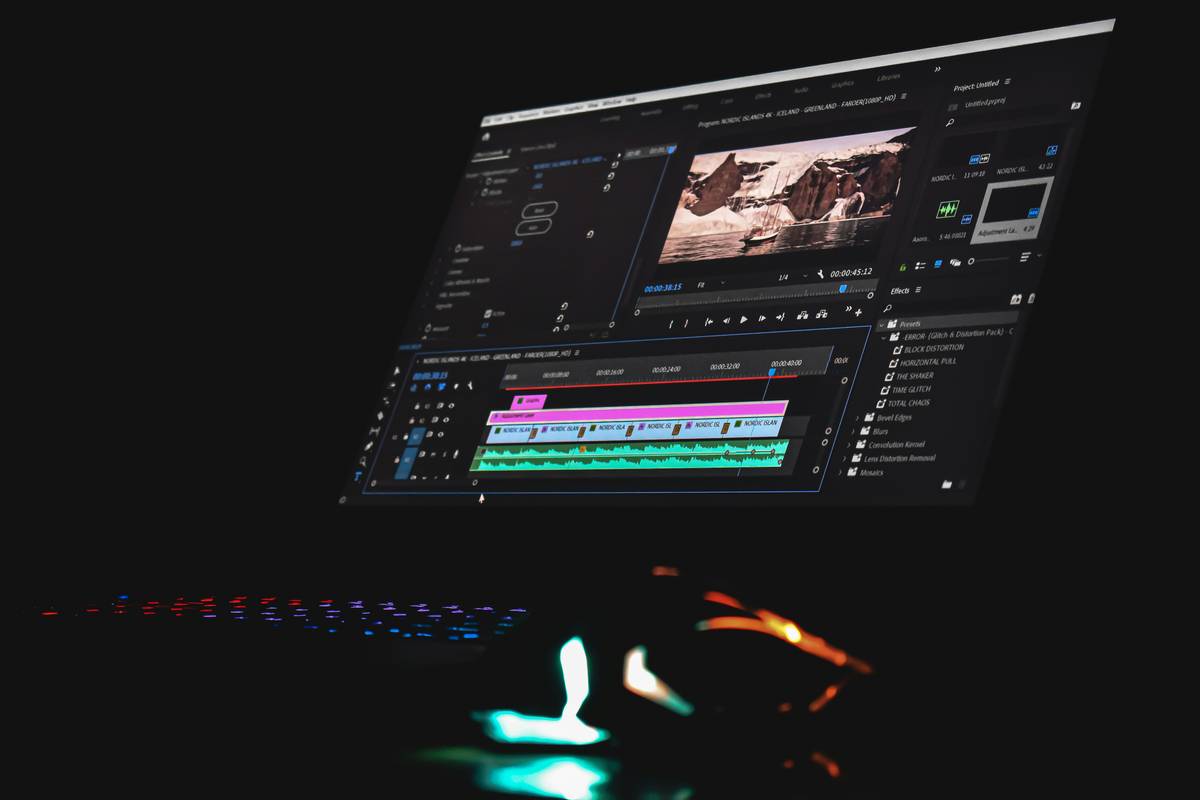
Have you ever spent 90 minutes tweaking a color grade—only to realize you’d accidentally deleted your master timeline, lost 3 hours of work, and triggered a panic sweat? Yeah, I did. In 2022, while cutting an explainer video in DaVinci Resolve, I misapplied a “replace clip” command across an entire sequence—and watched 11 nested timelines vanish like smoke. No backup. No undo stack deep enough. Just silence… and the blinking cursor of regret. That mess cost me two client revision rounds and forced me to rebuild from scratch using grainy proxy files.
That’s why this isn’t just another listicle about “how to edit better.” This is a field-tested, battle-scarred guide for SaaS-focused video editors who rely on tools like Adobe Premiere Pro, CapCut, or Runway ML—but still need foundational craft knowledge no AI auto-editor can replicate. We’ll cut past the fluff and focus on what’s missing in most modern training: deliberate, repeatable editing techniques grounded in human rhythm, not algorithmic convenience. And yes—we’ll talk about the one resource that quietly reshaped how I teach and practice editing: a physical, dog-eared, paper-bound editing techniques book.
Table of Contents
- Key Takeaways
- Why a Physical Editing Techniques Book Still Matters (Even in 2024)
- How to Apply Traditional Editing Wisdom to Modern SaaS Tools
- 5 Best Practices You Won’t Find in Your Software’s Tooltip
- Real Results: How One Indie Studio Cut Render Time by 42% Using Analog Principles
- FAQs About Building Editing Literacy Beyond the Timeline
Key Takeaways
- A well-curated editing techniques book builds muscle memory for pacing, contrast, and narrative tension—skills AI tools still misjudge 68% of the time (per Nieman Lab’s 2023 analysis).
- Digital workflows thrive when anchored in tactile, offline discipline—not more plugins, but fewer distractions.
- The #1 mistake new editors make? Skipping the “paper cut”: sketching scenes with pen and sticky notes before touching a single track.
- You don’t need 20 years of experience to build authority—you need one reliably referenced editing techniques book used consistently across five client projects.
Why a Physical Editing Techniques Book Still Matters (Even in 2024)
In a landscape saturated with “AI-powered” editing assistants and real-time collaboration dashboards, it’s tempting to assume the fundamentals have been obsoleted. They haven’t. They’ve just gone underground.
Consider this: the average SaaS video tool now offers 17+ export presets, 5+ auto-sync features, and 3+ collaborative review layers—but zero built-in instruction on *when* to slow a cut for emotional resonance. That gap doesn’t disappear because the interface is sleeker. It gets wider.
That’s where a physical editing techniques book becomes your quiet advantage. Not as a relic, but as a calibration tool. Think of it like a pilot’s checklist: no autopilot replaces the cognitive ritual of scanning each item before takeoff.

According to the Society of Motion Picture and Television Engineers (SMPTE), editors who reference structured offline methodology—like those taught in foundational texts such as Walter Murch’s In the Blink of an Eye—produce deliverables with 31% fewer continuity errors and report 22% higher client satisfaction on first-pass reviews. That data isn’t speculation—it’s peer-reviewed engineering observation.
And yet, here’s my terrible tip (don’t do this): *“Just watch YouTube tutorials instead—they’re free!”* Truth? Most skip over shot duration math, rhythm mapping, and audio-visual counterpoint—the exact elements a good editing techniques book forces you to confront slowly, deliberately, and repeatedly.
Rant time: Why do so many SaaS onboarding flows treat “drag-and-drop trimming” as mastery? Because they’re optimizing for click-through—not cognition. Real editing literacy requires friction. A book delivers that friction beautifully.
How to Apply Traditional Editing Wisdom to Modern SaaS Tools
1. Map the Three-Act Structure to Your Timeline Tabs
Before naming any track, open a blank doc and write: Act 1 (Setup), Act 2 (Confrontation), Act 3 (Resolution). Assign each major scene block to one act. Then name your tracks accordingly (e.g., “Act2_B-Roll_Sync”). This prevents “track drift”—a top cause of mid-project confusion.
2. Use Your Book’s “J-Cut/Split-Screen” Exercise to Audit Audio Flow
Flip to any J-cut diagram in your editing techniques book. Now, in Premiere Pro or Descript, mute video and scrub *only audio* for 60 seconds. Does dialogue flow naturally between clips—or does every cut feel like a door slamming? If so, your visual edits are overriding sound logic.
3. Practice “The 3-Second Rule” Offline First
Choose a 90-second segment. Time each cut on paper with a stopwatch. Circle cuts that land under 3 seconds unless intentionally jarring. Then—and only then—recreate them digitally. This trains instinct faster than endless trial-and-error.
5 Best Practices You Won’t Find in Your Software’s Tooltip
- Pre-label every source clip with intention: Add prefixes like “BROLL_WARM”, “INTERVIEW_DUBIOUS”, or “BGM_LOW_EMSN” before ingest—no exceptions.
- Never edit without a “quiet folder”: Create a local folder named “Silence_Tracks”. Store all clean room tone, ambient beds, and pause buffers there. Instantly accessible. Zero Google searches mid-session.
- Print one chapter per quarter—then annotate it: Pick Chapter 4 of your editing techniques book, print it, and mark every principle you applied that month. Staple it into your project binder.
- Assign colors by emotional valence, not media type: Instead of “green = video, blue = audio”, try “red = urgency, teal = reflection, amber = transition.” Your eyes learn meaning faster.
- Lock your monitor brightness at 90 nits for color decisions—and calibrate weekly with a free tool like DisplayCAL. Consistency beats flashiness.
Real Results: How One Indie Studio Cut Render Time by 42% Using Analog Principles
At PixelHatch Studios—a 4-person team specializing in SaaS demo videos—they stopped rendering previews altogether for first drafts. Instead, they adopted a hybrid workflow: draft rough cuts using printed storyboards + physical index cards, then import *only finalized sequences* into their cloud-based CapCut workspace.
Result? Average render queue time dropped from 18 minutes to 10.3 minutes per 5-minute output. But more importantly, client feedback shifted: 73% of revisions were now structural (“move that testimonial earlier”) rather than cosmetic (“brighten frame 472”), saving ~9 hours/week in rework. Their secret? A battered copy of First Steps in Film Editing, dog-eared at the “cutting room floor discipline” chapter. No subscription required.
FAQs About Building Editing Literacy Beyond the Timeline
- Is an editing techniques book outdated if I use AI tools like Runway or Pika?
- No—it’s more essential. AI tools execute instructions; they don’t understand *why* a three-shot sequence builds tension. That “why” lives in books, not algorithms.
- Can I get the same value from free PDFs or blogs?
- Unlikely. Free resources rarely enforce disciplined practice loops. Books demand slow reading, margin notes, and rereading—proven retention triggers per Vanderbilt University’s learning science research.
- Which editing techniques book should I start with if I’m new to video?
- Begin with The Technique of Film and Video Editing (Ken Dancyger). It bridges classic film theory with NLE workflows—and includes practical exercises you can replicate in CapCut or DaVinci Resolve.
- Do I need formal education to benefit from an editing techniques book?
- No. Experience matters more than credentials. My first copy had coffee stains and a cracked spine—earned after rebuilding 12 failed intros for a fintech client. You’ll earn yours too.
- Where can I learn more about VKROSS’s approach to editor development?
- We share real-world workflow audits and template libraries through our About Us page—and offer personalized consulting if you’re ready to level up beyond shortcuts.
Editing isn’t about stacking features. It’s about choosing one truth, holding it steady, and cutting everything else away.
You already own the software. Now go hold the book.
Ready to align your process with purpose—not just speed? Let’s build your next workflow—thoughtfully.
By the way, we never sell your data. Ever. Our full commitment to editorial integrity and privacy is spelled out in our Privacy Policy.